


Moving to Spain doesn’t mean you stop wanting the evening news, a Saturday match or the next series of your favourite drama. But the options that worked in the UK don’t all work once you’re on the Costa Blanca or in Madrid, and a lot of advice online is out of date or simply wrong.
This guide explains the legal ways to watch UK TV in Spain, what each one can and can’t do, what internet connection you really need, how to set up your devices, and how to fix the problems people run into most often.
What are your legal options?
There are three main routes. Most expats end up using a mix of them.
1. Official UK broadcaster apps (and their geo-limits)
The first thing most people try is BBC iPlayer or ITVX. It’s worth knowing the rules before you rely on them.
- BBC iPlayer: The BBC says that, because of rights agreements, you need to be in the UK to stream and download programmes or watch BBC TV channels on iPlayer. You can download programmes to a phone or tablet while you’re in the UK and watch them anywhere, until each programme’s availability period ends. That suits a holiday, not a permanent move.
- ITVX: ITV’s help pages say you can’t stream live or on-demand shows outside the UK. ITVX Premium subscribers can download shows to the mobile app before they leave, and each download lasts up to 7 days. ITVX’s terms of use also ask users not to try to get around the geo-blocking.
- What still works abroad: The BBC lists services you can use outside the UK, such as BBC News, BBC Sport and BBC podcasts, but notes that some content is still restricted for rights reasons.
In short: the broadcaster apps are great for downloads before a trip, but they’re not built for living in Spain.
2. Satellite (Freesat-style reception)
Many of the main UK channels are broadcast free-to-air from the Astra 2 satellites at 28.2° East. The catch is that the main BBC and ITV channels sit on a “UK spot beam” that’s aimed at the British Isles, so the signal gets weaker the further south you go.
According to local installers, reception varies greatly across Spain:
- In the Valencia and Costa Blanca North areas, they suggest at least a 1.2 m dish, with about 1.4 m recommended.
- In areas such as Barcelona, Catalonia and Zaragoza, they report needing at least 1.8 m.
- On the Costa del Sol and around Málaga, Almería and Seville, they say even 2.4 m dishes struggle.
Some community associations and landlords also restrict large dishes, so check before you buy. Satellite has no monthly fee for free-to-air channels, but the set-up cost, the dish size and the weather can make it hard work in the south.
3. Licensed IPTV
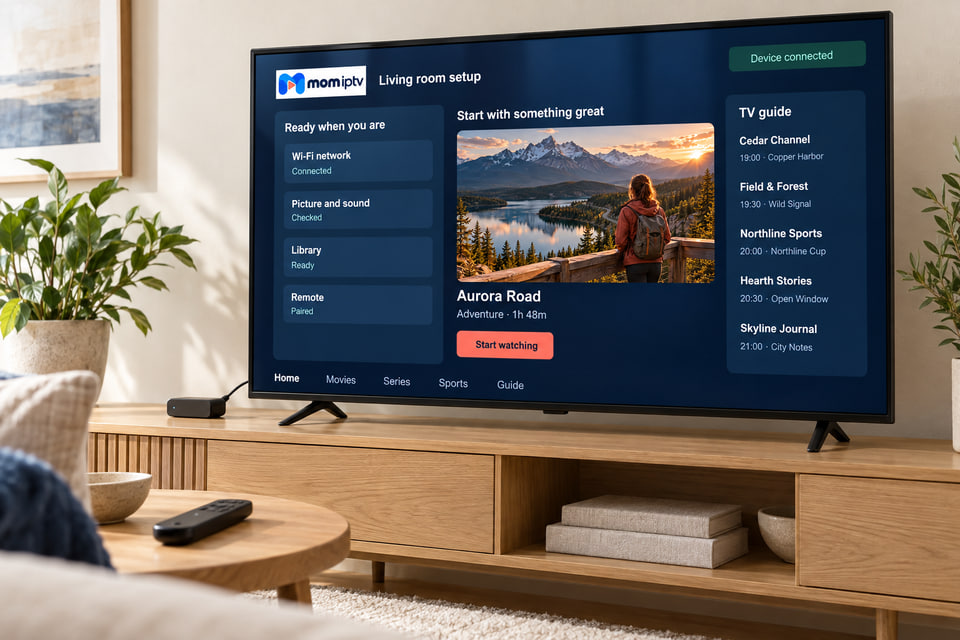
IPTV delivers TV over your broadband connection instead of a dish. A licensed IPTV service works on the devices you already own (a Fire TV Stick, smart TV, phone, tablet or computer), with no dish to install.
The word “licensed” matters. Licensed services pay for the rights to the content they carry. Many “too good to be true” services online don’t, and they can disappear overnight. Before you subscribe to any IPTV service, ask where its content rights come from and what support it offers.
MOM IPTV is a licensed service. You can read about our English-language channels on our English IPTV page.
Quick comparison
| Option | Works in Spain? | Kit needed | Best for |
|---|---|---|---|
| BBC iPlayer / ITVX | Downloads made in the UK only | Phone or tablet | Holidays and short trips |
| Satellite | Depends heavily on region | Large dish, receiver, installer | Costa Blanca North, free-to-air viewing |
| Licensed IPTV | Yes, with decent broadband | Streaming device or smart TV | Living in Spain full time |
Internet in Spain: what speed do you need?
The good news for streaming is that Spain has some of the best fibre coverage in Europe.
Fibre coverage
The Spanish government’s 2025 coverage report says fibre to the home (FTTH) reaches 95.92% of households nationally and 88.95% in rural areas. Spain is the second country in the EU for FTTH coverage, according to that report.
You can check your exact address on the government’s broadband services map, which searches by street address or cadastral reference.
The main providers
The big fibre providers are Movistar, Orange (MasOrange), Vodafone and Digi, and many smaller brands (O2, Lowi, Jazztel, Pepephone, Finetwork and others) resell or share those networks. In nPerf’s fixed-internet barometer for April 2025 to March 2026, Digi recorded the fastest average FTTH download speed (597.36 Mb/s), with Movistar, Vodafone and MasOrange all between about 460 and 485 Mb/s. In other words, any of the big four on fibre is far more than TV needs.
How much speed is enough for HD or 4K?
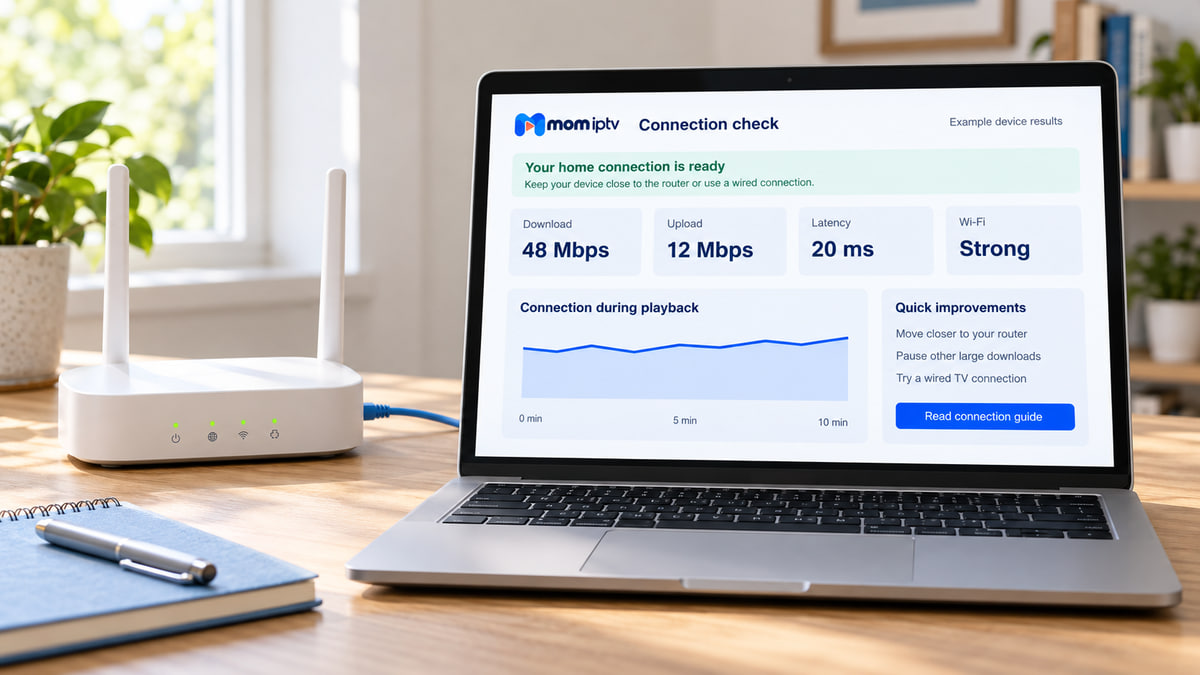
There isn’t a single industry standard for IPTV, but Netflix publishes a useful reference. It recommends a stable connection of 3 Mbps for 720p HD, 5 Mbps for 1080p Full HD and 15 Mbps for 4K, per stream.
Two practical points:
- Speed is per screen. If two people watch in 4K while someone else is on a video call, add it all up.
- Stability matters more than headline speed. A 600 Mb/s fibre line on weak Wi-Fi at the far end of a stone-walled villa can still stutter. The connection to your TV is often the weak link, not the line coming into the house.
If you’re stuck on mobile data or a fixed-wireless connection in a rural area, start with HD rather than 4K.
Setting up your devices
Most people already own something that will work. For the full list, see our compatible devices page.
Fire TV Stick and Android TV boxes
- Plug the stick into a free HDMI port and connect it to power (use the supplied adapter, not the TV’s USB port, if you can).
- Connect to your Wi-Fi and sign in to your Amazon or Google account.
- Install the player app recommended by your provider and enter the login details they give you.
- If your router is nearby, consider an Ethernet adapter for a more stable connection.
Smart TVs
Samsung, LG and Android-based TVs can usually run a player app directly. Check that the TV’s software is up to date first, as older firmware is a common cause of apps failing to install or open.
Phones, tablets and computers
These are handy for the kitchen, the terrace or travelling. Install the recommended app, sign in, and you’re ready.
A note on Spanish TVs and remotes
If you buy a TV in Spain, the menus will start in Spanish. Look for Ajustes (Settings), then Idioma (Language), to switch to English.
Watching live sport: mind the time difference
This catches out a lot of new arrivals. Mainland Spain and the Balearic Islands are on Central European Time, one hour ahead of the UK all year round, because both countries change their clocks on the same dates. The Canary Islands are the exception: they keep the same time as the UK.
So, for example:
| UK kick-off | Mainland Spain & Balearics | Canary Islands |
|---|---|---|
| 12:30 | 13:30 | 12:30 |
| 15:00 | 16:00 | 15:00 |
| 20:00 | 21:00 | 20:00 |
When a fixture list or TV guide shows UK times, add an hour if you live on the mainland. See what’s available on our sports channels page.
Common problems and how to fix them
Buffering or the picture keeps dropping in quality
- Run a speed test on the device itself, not just your phone. Netflix’s buffering advice is a good general checklist for any streaming service.
- Move the router closer, use a mesh system or connect with an Ethernet cable.
- Restart the router and the streaming device.
- Drop from 4K to HD for big live events, when demand is highest.
No streaming service can promise you’ll never see buffering. What a good service can do is help you find the cause.
“Not available in your region” errors
That’s the broadcaster apps’ geo-blocking at work (see above). ITV’s help pages explain that its ITV-101 error means ITVX has detected you’re outside the UK.
The app won’t open or keeps crashing
Update the app and the device software, clear the app’s cache (on Fire TV: Settings → Applications → Manage Installed Applications), and restart. If that doesn’t work, uninstall and reinstall.
Sound and picture out of sync
Check your TV or soundbar’s audio delay or “lip sync” setting, and try switching the audio format from Dolby/bitstream to PCM.
The TV guide (EPG) shows the wrong times
Check that the device’s time zone is set to Madrid (or Canary Islands if you live there), not London.
If you’re still stuck, our customer support team can walk you through it.
Frequently asked questions
Can I use BBC iPlayer in Spain?
Not for streaming. The BBC says you need to be in the UK to stream or download on iPlayer. You can watch programmes abroad that you downloaded to a phone or tablet while in the UK, until they expire.
Is it legal to watch UK TV in Spain?
Yes, as long as you use legal routes: free-to-air satellite, downloads from the official apps within their rules, or a properly licensed IPTV service. Avoid services that can’t explain where their content rights come from.
What internet speed do I need for UK TV in Spain?
As a guide, Netflix recommends 5 Mbps per stream for Full HD and 15 Mbps for 4K. Most Spanish fibre connections are far faster than that. A stable in-home connection matters more than the headline speed.
Do I still need a satellite dish?
No, not with IPTV, which runs over your broadband. A dish only makes sense if you want free-to-air satellite and live somewhere with good reception, such as parts of the Costa Blanca.
Is Spain ahead of the UK for live sport?
Mainland Spain and the Balearics are one hour ahead of the UK all year. The Canary Islands are on the same time as the UK.
Ready to watch UK TV in Spain?
If you want UK TV on the devices you already own, without a large dish, take a look at our plans. All prices are in US dollars, and you can choose the length that suits you.
Not sure yet? You can get a 4-hour free trial on your own TV first: Get a 4-hour test.

Written by Erik
Part of the mom iptv team that answers customer questions every day and turns the common ones into guides.
More guides by this authorUsing mom iptv? Compare the mom iptv plans or follow the installation guide for your device.
Comments