

Test before you buy
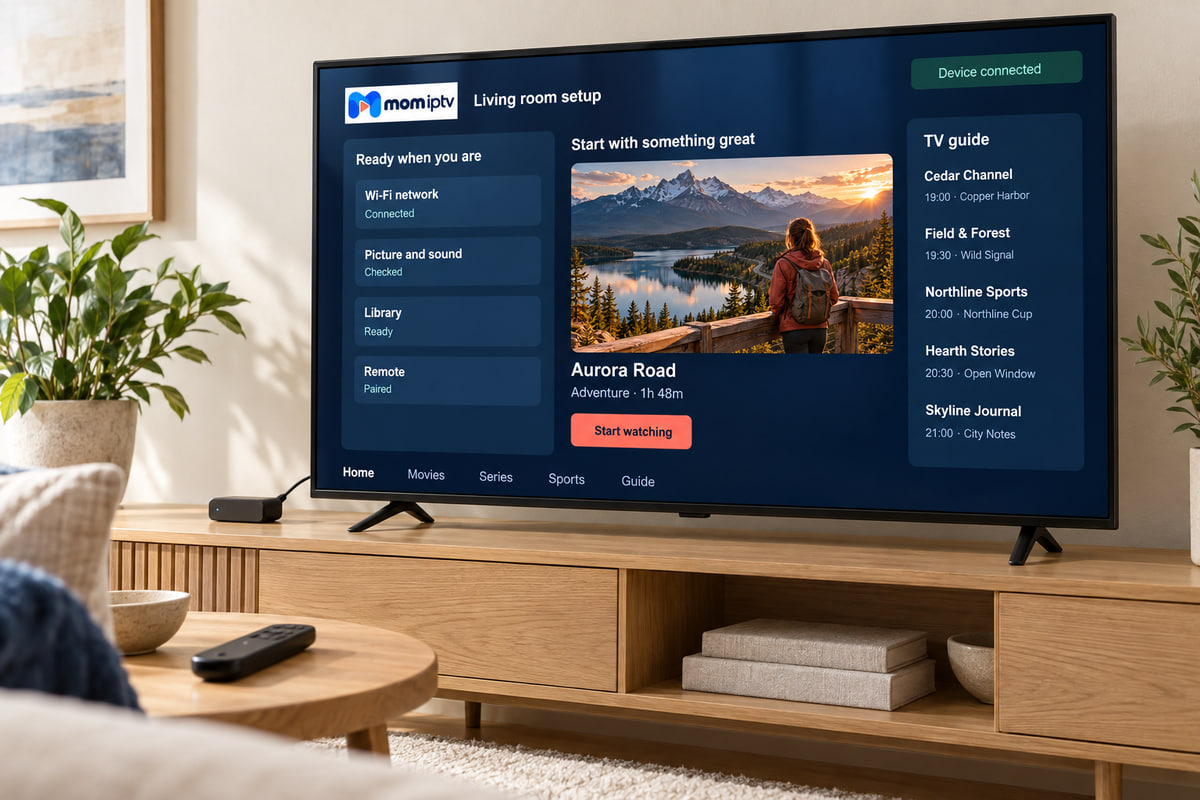
Try mom iptv on your own TV first
Ask us on WhatsApp. We will tell you whether a test is available for your device right now, and what it includes. A test is the best way to know how mom iptv performs on your connection and your device — so use it well.
- No card details needed
- Does not turn into a paid plan
Three steps
How to ask for a test
Have the device you want to test switched on and connected before you message — it makes the test far more useful.
-
Message us on WhatsApp
Tell us the device you will test on (for example “LG TV 2021” or “Fire TV Stick 4K”).
-
Install the app we suggest
We send the right player app for your device and test login details.
-
Watch at the times you normally do
Evenings and match times tell you much more than a quiet afternoon.
Your test checklist
Eight things worth checking during your test
Tick these off and you will know whether to buy — and which plan length makes sense.
Picture at your peak time
Watch a busy channel between 8 and 10pm, when home networks are busiest.
A live sport stream
Fast motion shows up connection problems sooner than anything else.
The programme guide
Does it load fully, and are the times right for where you live?
Channel changing
Flick through ten channels. A second or two per change is normal.
A film from the library
Start one, skip forward and back, and pause for a few minutes.
Subtitles and audio
If you rely on subtitles, check them on a couple of titles.
Your must-have channels
Search for the channels you would be most upset to lose.
A second room
If you will watch in a bedroom too, try the Wi-Fi there.
When the test ends
Happy with it?
Choose a plan and we activate it on the same app, so there is nothing to set up again. If you will watch all year, the 12-month plan costs the least per month.
Something not right?
Tell us what you noticed. Buffering, a missing channel or a slow app usually has a fix — and if it does not, we will tell you honestly that mom iptv is not the right fit.
Trial questions
Is the trial really free?
Ask us on WhatsApp. We will tell you whether a test is available for your device right now, and what it includes.
Do I need to give card details for a test?
No. A test is arranged on WhatsApp and never needs your card details.
Will the trial turn into a paid plan automatically?
No. When the test ends it simply stops. If you liked it, you choose a plan and we activate it.
Can I test on more than one device?
Test on the screen you will use most — usually the living-room TV. If you want to compare two devices, tell us when you ask for the test.
No question matches that search. Ask on WhatsApp and we will answer you directly.