

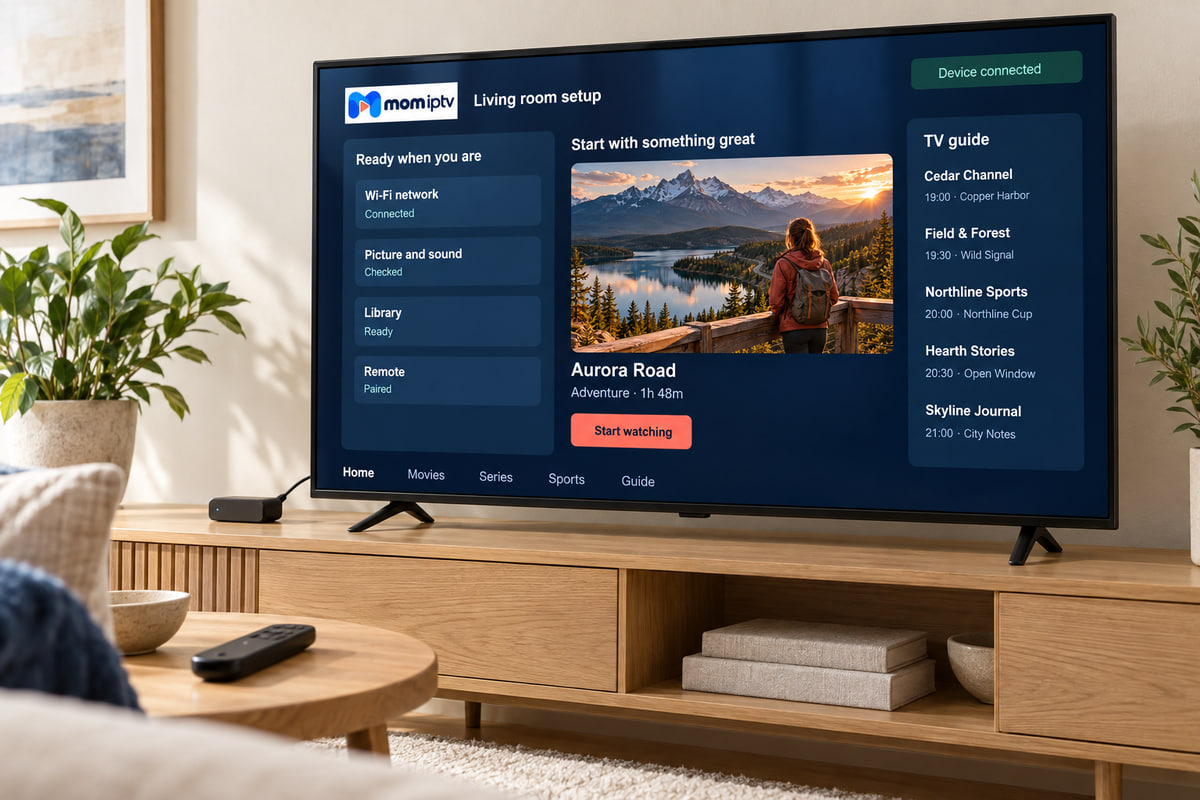
Your device
Which Fire TV do you have?
All current models run mom iptv. The differences are speed and picture resolution.
Fire TV Stick (HD)
Fine for HD channels on a smaller TV. Menus are slower when the guide is large.
Fire TV Stick 4K / 4K Max
Our usual recommendation: quicker channel changes, more memory and 4K output.
Fire TV Cube
The fastest option, with a built-in network port on recent models.
Full walkthrough
Installing mom iptv on a Fire TV Stick
-
Update the stick
Settings → My Fire TV → About → Check for updates. Install anything waiting and restart.
-
Look in the Amazon Appstore
Search for the player named in your activation message. If it is listed, install it and jump to step 6.
-
Install the Downloader app
Search for “Downloader” in the Appstore and install it. It lets you install an app from a web address.
-
Show Developer options (if hidden)
Settings → My Fire TV → About. Highlight your device name and press the select button seven times until you see “You are now a developer”.
-
Allow Downloader to install apps
Settings → My Fire TV → Developer options → Install unknown apps → Downloader → On. Then open Downloader and enter the address we send you.
-
Log in
Open the player, choose the login option and enter your server, username and password exactly as sent.
-
Let the guide load
The first load takes a few minutes. Then add the app to your home screen favourites.
Stay safe with unknown appsOnly allow Downloader to install apps, only install the exact player we recommend, and switch the setting back off afterwards if you prefer. Never install apps from links sent by people you do not know.
Keep it smooth
Six habits that keep a Fire TV Stick fast
Use the mains adapter
TV USB ports often cannot supply enough power, which causes freezes and restarts.
Restart weekly
Settings → My Fire TV → Restart clears memory better than standby.
Clear the app cache
Applications → Manage installed applications → your player → Clear cache.
Keep storage free
Uninstall apps you never open; sticks slow down when nearly full.
Use the HDMI extender
Moving the stick away from the back of the TV improves its Wi-Fi reception.
Add a network adapter
An Ethernet adapter for Fire TV gives the steadiest picture for live sport.
Fire TV Stick questions
I cannot find Developer options on my Fire TV Stick.
On newer sticks it is hidden. Go to Settings → My Fire TV → About, highlight your device name and press the select button seven times. Developer options then appears in the My Fire TV menu.
Is it safe to allow apps from unknown sources?
Only allow it for the Downloader app, install the exact player we recommend, and switch the setting off again afterwards if you prefer. Never install apps from links you were sent by strangers.
My Fire TV Stick has become slow. What can I do?
Clear the player app’s cache in Settings → Applications → Manage installed applications, uninstall apps you do not use, and restart the stick from Settings → My Fire TV → Restart.
No question matches that search. Ask on WhatsApp and we will answer you directly.
Got your stick plugged in?
Choose a plan and we will send the exact app and address for your Fire TV Stick with your login.