

Apple setup
IPTV on Apple TV, iPhone and iPad
Apple devices give one of the smoothest mom iptv experiences. Install a player from the App Store, sign in once, and use the same login on your iPhone or iPad around the house.
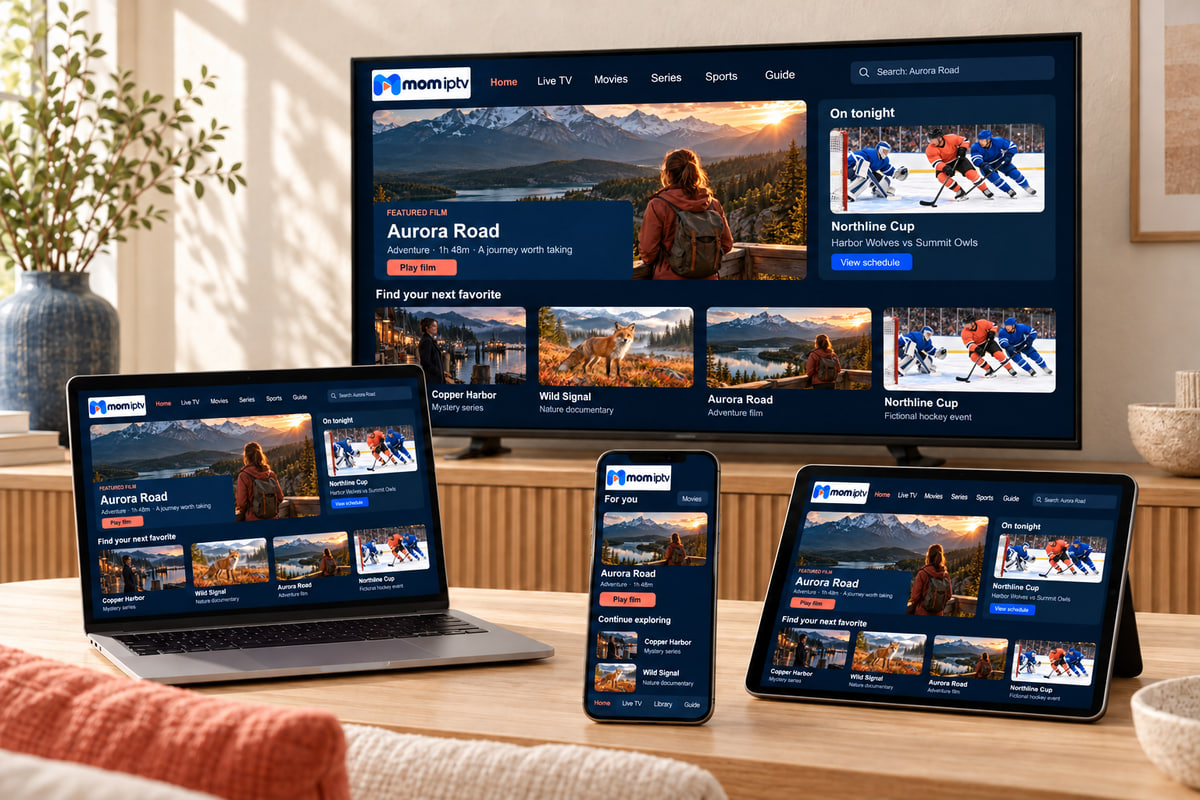
Apple TV
- App Store → search for the player in your activation message.
- Enter your login; your iPhone can act as the keyboard.
- Turn on Match Frame Rate (see settings below).
iPhone
- Install the same player from the App Store.
- Paste your login straight from WhatsApp.
- Lower the quality on mobile data.
iPad
- Install the player — many have a split guide view on iPad.
- Use Screen Time or the app’s PIN for children.
- Picture in Picture lets you watch while using other apps.
About paid appsThe best tvOS players are sometimes paid apps. We tell you which one we recommend and whether it costs anything before you buy it.
Apple TV settings
Two minutes in Settings for a better picture
Apple TV defaults are tuned for Apple’s own apps. These changes help live TV look and move naturally.
-
Match Frame Rate: On
Settings → Video and Audio → Match Content. Removes judder on sport and films.
-
Match Dynamic Range: On
Same menu. Stops washed-out colours on standard channels.
-
Format: 4K SDR
Settings → Video and Audio → Format. HDR is switched on automatically when content needs it.
-
Use a cable where possible
Apple TV 4K models with a network port give the steadiest streams.
AirPlay or the app on Apple TV?
App on Apple TV
- Smoothest playback for live sport
- Your phone stays free
- Full guide with the Siri Remote
AirPlay from iPhone
- Handy for a quick look
- Adds an extra wireless hop that can stutter
- Stops if your phone sleeps or takes a call
Apple TV questions
Which Apple TV models work?
Apple TV HD and every Apple TV 4K model run the current App Store player apps. The original Apple TV boxes before the HD model cannot install apps.
Can I use AirPlay from my iPhone instead?
You can, but installing the player directly on the Apple TV is smoother and frees up your phone. Use AirPlay for a quick look, not for a whole match.
The picture flickers when a stream starts.
That is the TV switching modes. In Settings → Video and Audio → Match Content, turn on Match Frame Rate, and set the format to SDR unless the app plays HDR.
No question matches that search. Ask on WhatsApp and we will answer you directly.
Still deciding? Ask us anything first.
Tell us your device and what you like to watch. We will tell you honestly whether mom iptv is a good fit.