

Channels & categories
Channels and categories on mom iptv
Live channels from home and abroad, live sport and an on-demand library of films and series, organised into clear categories with a programme guide. Here is what to expect — and how to check a specific channel before you order.
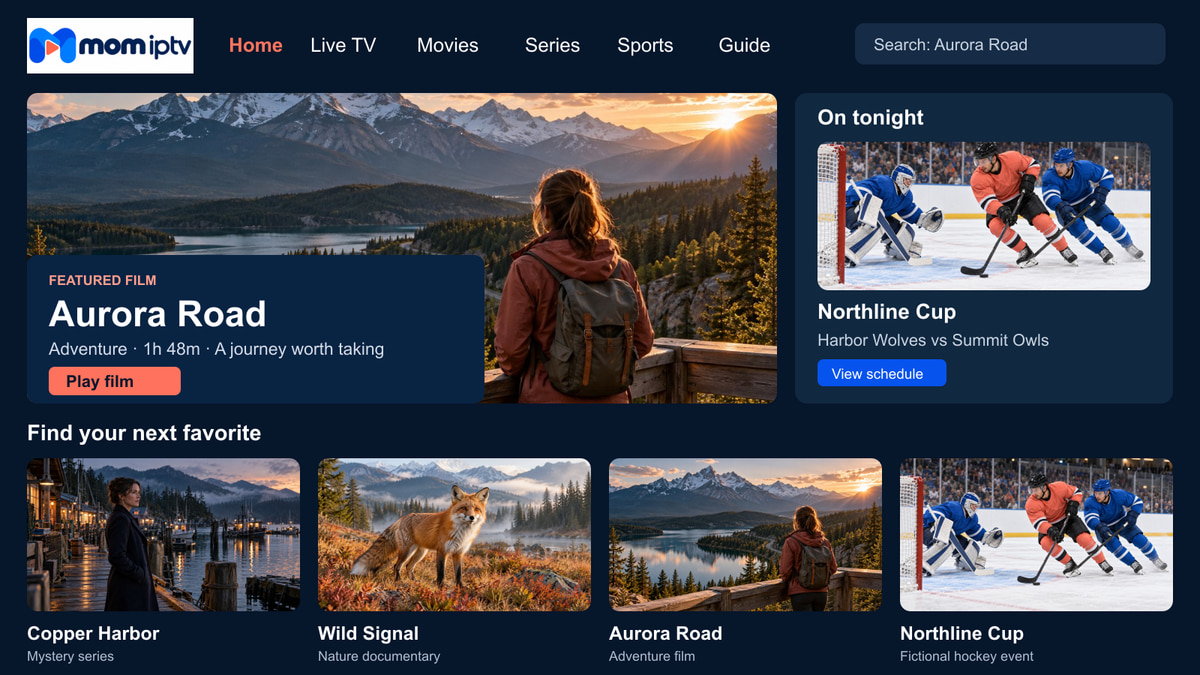
Browse by category
Eight places to start
Player apps group channels and titles into categories, so you can go straight to what you feel like watching instead of scrolling through a long list.
Live channels
National and international channels with a programme guide, so you can see what is on now and next.
Sport
Live sport channels for match days, highlights and studio shows — check a specific event with us first.
Films
An on-demand film library you can browse by genre, from family favourites to late-night thrillers.
Series
Box sets and series organised by season and episode, ready to pick up where you left off.
News
Rolling news and current affairs from home and abroad, live rather than on catch-up.
Kids & family
Channels and titles for younger viewers. Most player apps let you lock categories with a PIN.
Documentaries
Nature, history, science and travel programmes for slower evenings.
International
Channels from other countries and languages — ask us about a particular country before you order.
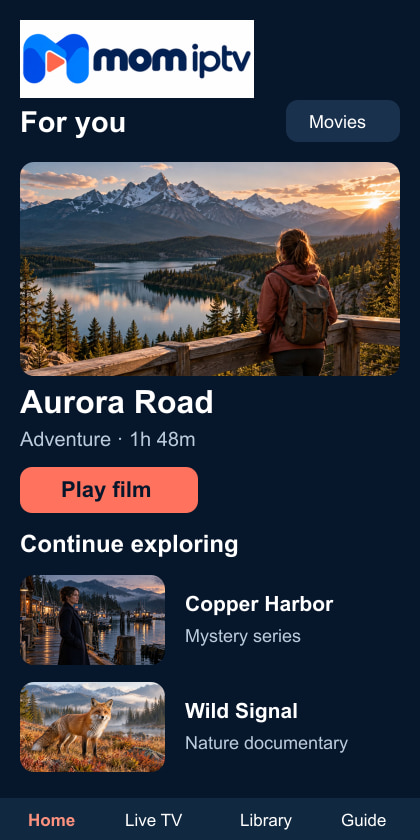
The TV guide
Know what is on before you switch
Most live channels come with an electronic programme guide (EPG). The details depend on your player app, but you can usually:
- See now and next for every channel in a grid, like a classic TV guide
- Save favourites so your usual channels sit at the top
- Search channels and on-demand titles by name
- Lock categories with a PIN so children only see what you allow
- Switch audio and subtitle tracks where a programme carries them
TipIf the guide is empty or an hour out, refresh the EPG in the app settings and set the time zone to where you live.
Before you order
Looking for one particular channel?
Line-ups change with availability, so we do not publish a list that would go out of date. Instead, we check for you — it takes a minute and saves disappointment.
-
Tell us what matters
The channel, the country or the event you care about — as many as you like in one message.
-
We check today’s line-up
We look at what is currently available rather than relying on an old list.
-
You get a straight answer
Yes, no, or “available in SD only” — so you can decide with the facts.
Explore by interest
Sports Channels
How live sport works on mom iptv and how to get a steady picture at kick-off.
Films and Series
The on-demand library: genres, subtitles and finding something to watch.
English IPTV abroad
English-language TV for people living outside the UK and Ireland.
Compatible Devices
Which screens work best for live channels and the guide.
Channel questions
Can I see the full channel list before I buy?
Line-ups change, so rather than publish a list that goes out of date, we answer specific questions. Tell us the channels, countries or events you care about on WhatsApp and we will tell you what to expect.
Are channels in HD?
Many channels are offered in HD, and the app often shows SD, HD or 4K versions where they exist. The picture you get also depends on your connection and device.
Is there a TV guide?
Yes. Most live channels come with an electronic programme guide (EPG) that shows what is on now and next. How it looks depends on the player app you use.
Can I hide channels the children should not see?
Most player apps include parental controls that lock categories or channels behind a PIN. We can show you where the setting is in your app.
No question matches that search. Ask on WhatsApp and we will answer you directly.
Still deciding? Ask us anything first.
Tell us your device and what you like to watch. We will tell you honestly whether mom iptv is a good fit.