

Android setup
IPTV on Android: TV boxes, Google TV, phones and tablets
Android gives you the widest choice of player apps, all from Google Play. Use a box on the living-room TV, then the same login on your phone or tablet in other rooms.
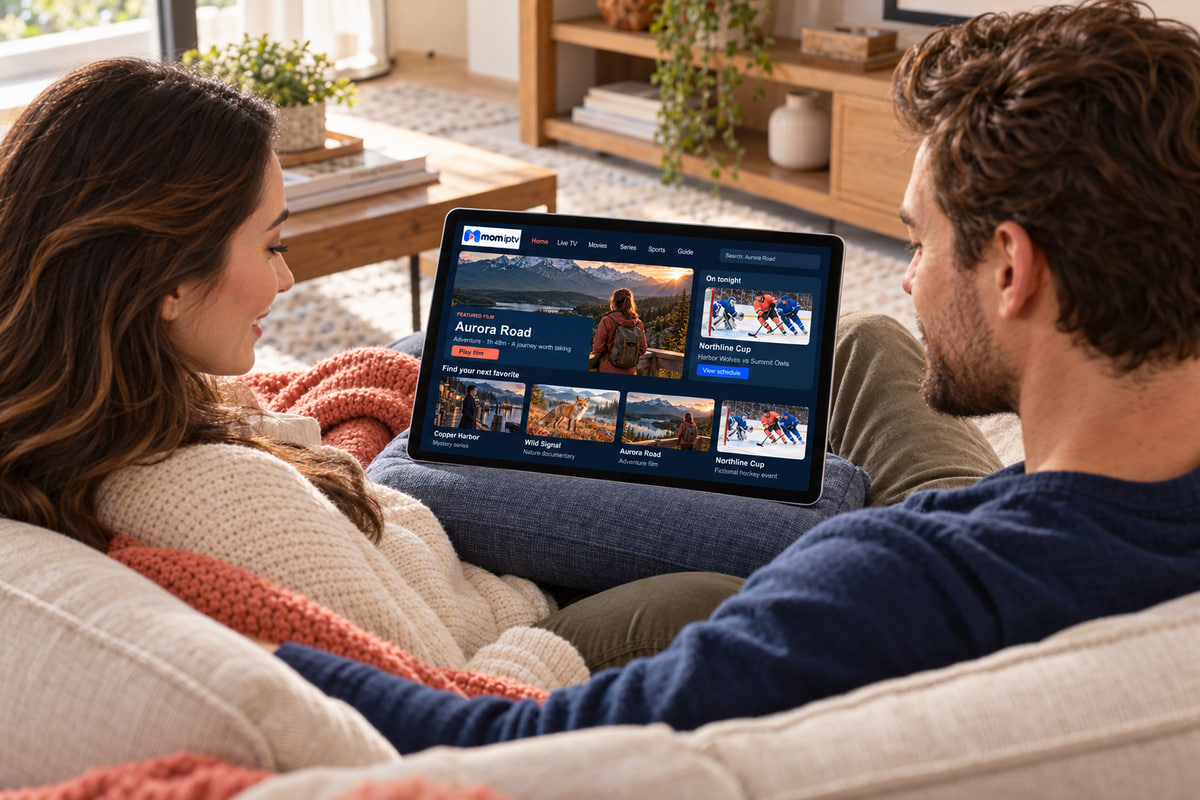
Pick your device
Three kinds of Android, three slightly different setups
TV box or Google TV device
Best for the main TV.
- Open Google Play and install the recommended player.
- Choose “Login with Xtream / API” and paste your details.
- Connect a network cable if the box has a port.
Android phone
Best for watching on the go.
- Install the player from Google Play.
- Copy your login from WhatsApp and paste it in.
- Lower the quality setting when you are on mobile data.
Android tablet
Best for the kitchen, bedroom or garden.
- Install the player — tablet layouts show the guide beside the picture.
- Log in with the same details as your TV.
- Set a PIN on adult categories if children use the tablet.
Mobile data
How much data will streaming use?
A rough guide for watching away from Wi-Fi. Actual use depends on the channel and the app’s quality setting.
| Quality | Per hour (approx.) |
|---|---|
| SD | 0.7 GB |
| HD | 2 GB |
| Full HD | 3 GB |
Estimate your monthly data
About 43 GB a month
Based on 4.33 weeks per month. Use Wi-Fi at home to keep this low.
Why we recommend Google Play
- Apps are scanned and update automatically
- No security settings to change
- Easy to reinstall on a new device with the same Google account
What to avoid
- Rooting your phone or box — it is never needed for mom iptv
- App files (APKs) sent by strangers or found on forums
- Unbranded boxes sold “fully loaded” with unknown apps
Android questions
Which is better: an Android TV box or a phone?
For the living room, a box or Google TV device connected by cable is steadier and easier with a remote. Phones and tablets are ideal for watching in another room or while travelling.
How much mobile data does streaming use?
Roughly 1–3 GB an hour for HD, depending on the channel and the app’s quality setting. Use Wi-Fi where you can, or lower the quality on mobile data.
Do I need to root my device?
No. Never root a phone or box for mom iptv — the apps we recommend install normally from Google Play.
No question matches that search. Ask on WhatsApp and we will answer you directly.
Useful pages
IPTV Smart TV
Android TV and Google TV sets, plus Samsung and LG.
IPTV Fire Stick
Amazon’s stick runs a version of Android too.
Customer Support
Fixes for buffering, logins and app problems.